Thinking about listing your Denver home? A strong video launch can help buyers understand the layout, the light, and the lifestyle in a way photos alone cannot. You want more showings, better-qualified buyers, and stronger offers without adding weeks to your timeline. This guide gives you a clear plan tailored to Denver, from what to film to how to launch, plus rules, budget, and metrics. Let’s dive in.
Why video works in Denver
Denver buyers care about flow, outdoor space, and nearby amenities. Video shows how rooms connect, how the light moves through the day, and how your backyard or rooftop relates to views and gathering spaces. It also captures street life, parks, transit access, and local spots that often influence decisions.
For new builds and remodeled homes, a walk-through reduces hesitation by showcasing finishes and the overall feel. For urban condos and townhomes, a quick neighborhood clip adds context for out-of-area buyers and relocators who may not know the blocks by heart.
Your core video package
If you do nothing else, create a simple set of assets that meet buyers where they search.
- Property walk-through: 2–3 minutes for most homes. Use this as the master tour for MLS, YouTube, and your listing page.
- Teaser clip: 15–30 seconds for Instagram Reels, TikTok, and Facebook. Drive clicks to the full listing.
- Neighborhood mini-tour: 60–90 seconds for listings where parks, restaurants, transit, or views shape value.
This package gives you depth for serious buyers and short hits to reach new audiences fast.
Pre-production checklist
A smooth shoot starts with prep. Use this list a few days before camera day.
- Declutter and stage lightly; open curtains and blinds for natural light.
- Turn off TVs and ceiling fans. Remove personal or sensitive items.
- Park vehicles off-site if possible. Tidy porches, patios, lawns, and walkways.
- Confirm written permission from the seller to film and market the property.
- Check HOA requirements, especially if you plan to film common areas or use a drone.
- Script the top 3–5 highlights and your call to action. Build a simple shot list.
- Schedule for the best light: morning or golden hour for exteriors; mid-day for bright interiors.
Shot list to capture
Plan a route that shows flow and the best features.
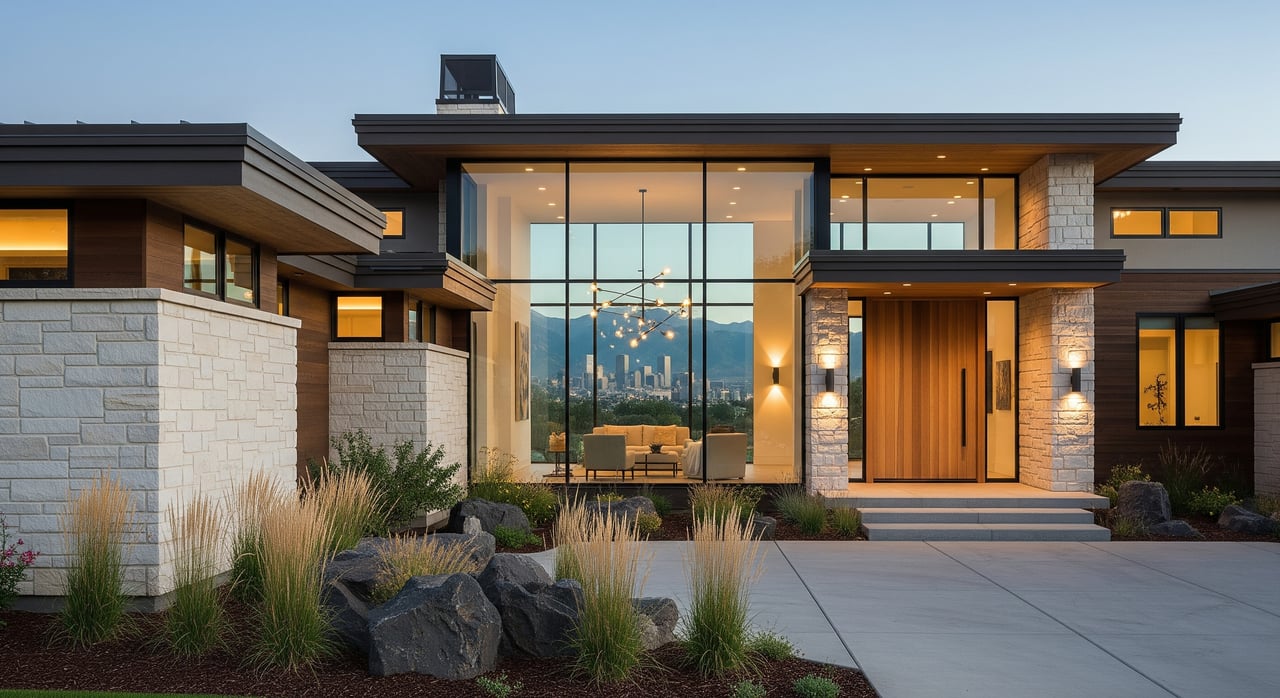
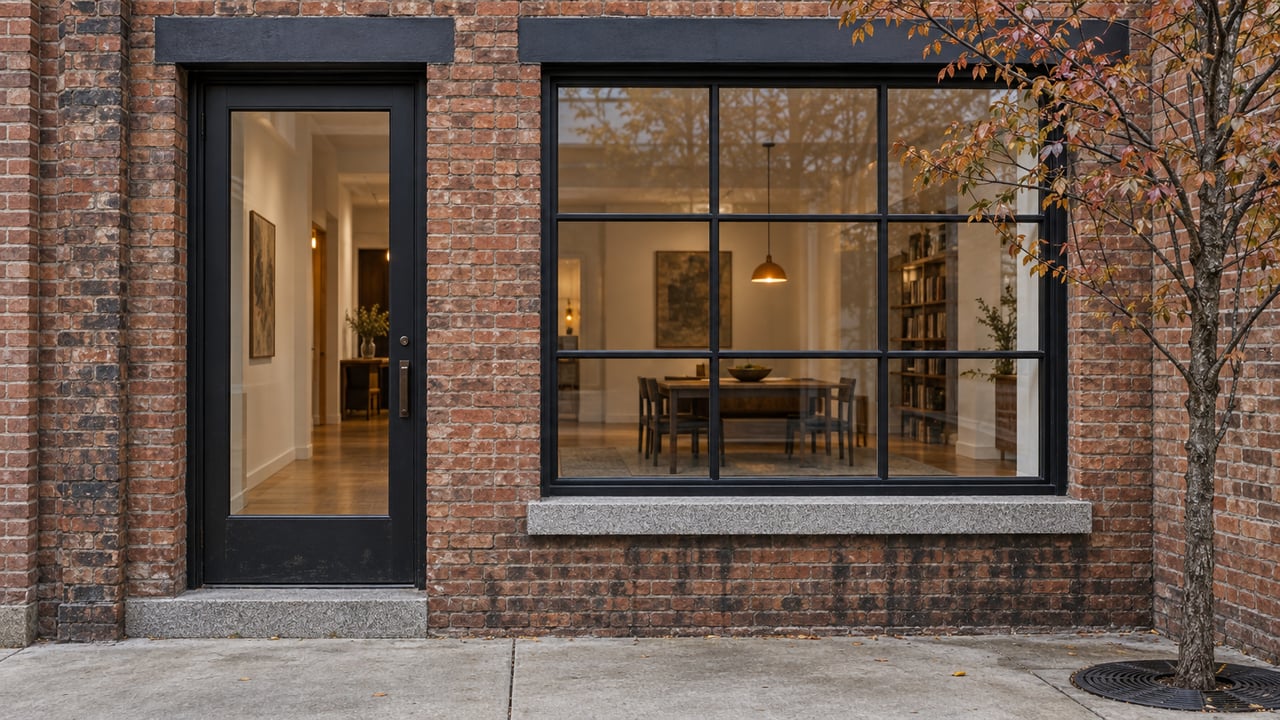
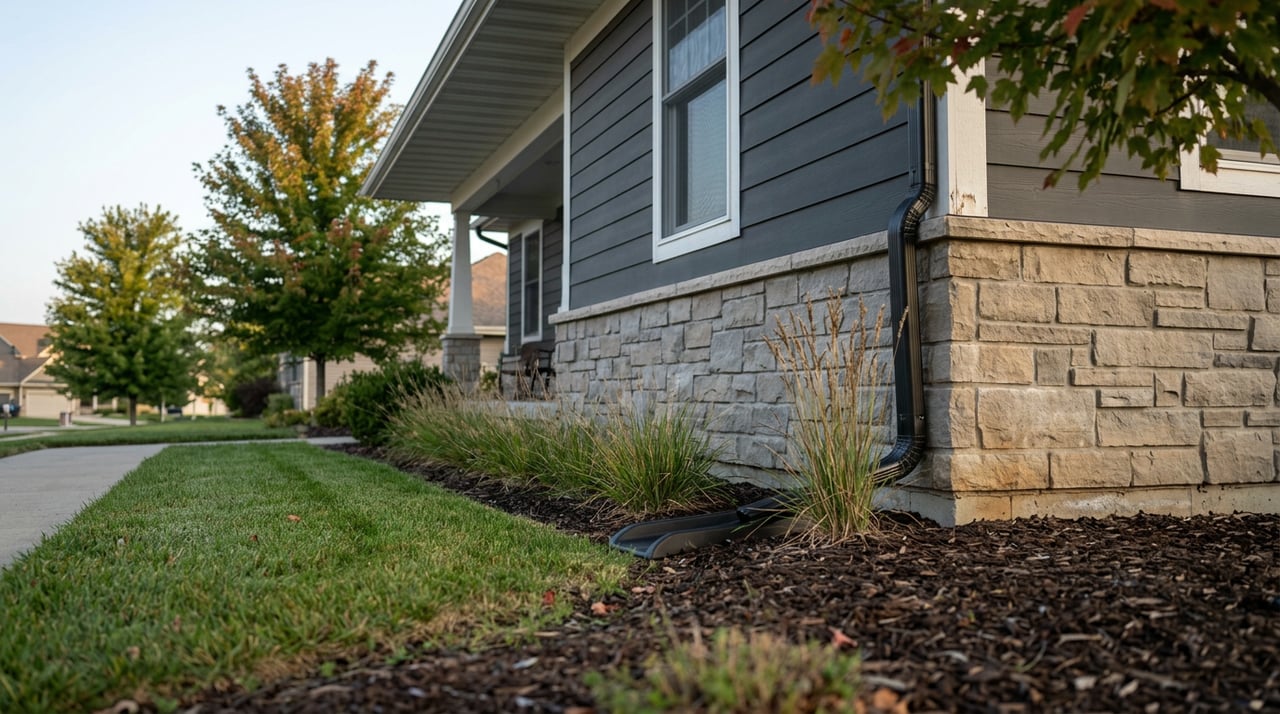
- Exterior establishing shots: street view, entry, façade, driveway, and landscape.
- Walk-up and entry: door opening, foyer, and sightlines to living areas.
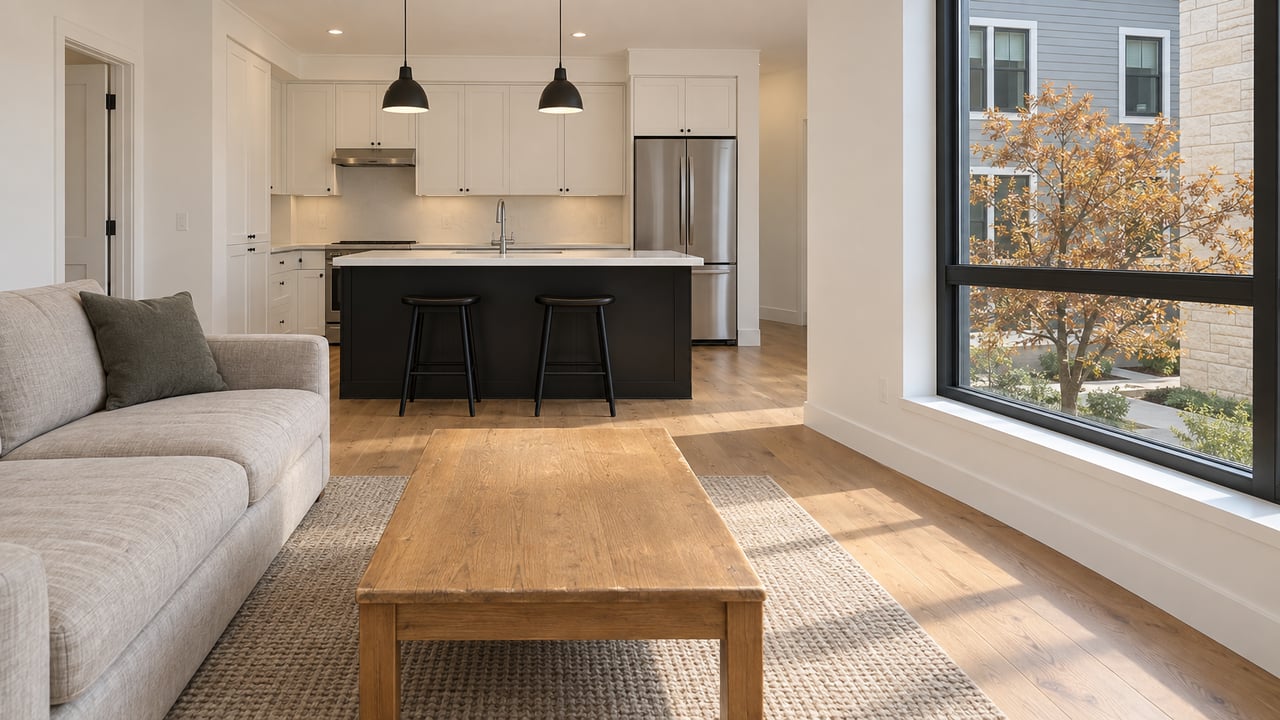
- Kitchen: counters, appliances, layout, and connection to dining or outdoor spaces.
- Main living areas: slow pans that show scale and natural light.
- Primary suite: bedroom, closets, en-suite, and any views.
- Secondary rooms and baths: brief coverage of size and features.
- Flexible spaces: finished basement, office, loft, or garage storage.
- Outdoor living: backyard, deck, patio, garden beds, and mountain or skyline views.
- Neighborhood B-roll: parks, coffee shops, transit stops, and public spaces as appropriate.
- Drone: lot context and views, only if rules allow.
- Agent moments: greeting at the door and a short intro or closing line.
Script that sells
Your narration should be short, clear, and buyer-focused.
- Hook: one or two lines that spotlight the best benefit. Example: “Enjoy sunset views from your private rooftop and a two-minute walk to the park.”
- Highlights: 3–5 bullets covering location, size, standout features, and recent updates.
- Close: how to schedule a showing, any open house info, and a clear next step.
Keep sentences short. Use captions so viewers on mute still get the message.
On-site best practices
Simple gear and technique keep your footage clean and watchable.
- Stabilize with a gimbal or tripod for smooth motion.
- Maximize daylight; add small LED panels for darker rooms.
- Capture audio with a lapel or shotgun mic if speaking on camera.
- Film a horizontal master for YouTube and the listing site. Record or reframe vertical versions for social.
- Grab extra B-roll and stills for thumbnails and ads.
Post-production essentials
A few finishing touches boost watch time and clicks.
- Branded intro and outro (5–7 seconds) with contact info and the listing URL.
- Captions/subtitles for accessibility and silent viewing.
- A bright thumbnail that shows the home’s best feature.
- Social cuts at 15 and 30 seconds, cropped for vertical or square.
- Host the master video on a platform with analytics and embed per MLS rules.
Rules and permits in Denver
Set yourself up for a smooth, compliant launch.
- MLS and brokerage policies: Confirm current media rules for REcolorado and your brokerage. Some MLS fields limit branding or require links instead of embeds.
- Music and footage: Use royalty-free or properly licensed music. Get permission for any third-party footage.
- Drones: Commercial drone operators must follow FAA rules, including certification and airspace limits. Check for local restrictions near Denver International Airport and confirm HOA rules.
- City filming: Filming on certain public properties may require permits. Contact the city’s film or permitting office if needed.
- Privacy: Avoid filming into neighbors’ private spaces or capturing identifiable people without consent.
- Disclosures: Use accurate listing data for claims like square footage and bedroom count. Obtain written media consent from sellers and check tenant leases when applicable.
Launch timeline for Denver
Use this simple schedule to maximize early momentum.
- Day 0–1: Edit the 2–3 minute tour. Cut 15–30 second teasers. Prepare a short neighborhood clip if relevant. Host the master where you can view analytics.
- Day 1: Publish on your listing page and add to the MLS per rules. Upload to YouTube and add a searchable title and description with specs.
- Day 1–3: Post teasers to Instagram Reels, TikTok, and Facebook with a clear call to action. Use location tags and relevant neighborhood names.
- Day 3–7: Run targeted paid social to drive traffic to the listing page. Consider YouTube pre-roll for relocation searches.
- First weekend: Promote the video in email to your agent network and community lists. Host a live or virtual open house and link the video.
- Ongoing: Repost clips with fresh copy. Rotate into paid campaigns and use the video in follow-up messages to interested buyers.
Paid promotion tips
Even a small budget can make a difference when timed well.
- Target locally: Focus on key Denver zip codes and nearby suburbs such as Aurora, Lakewood, and Littleton.
- Reach relocators: Expand to known feeder markets when relevant.
- Interest signals: Use real estate interest and recent search behaviors where ad platforms allow.
- Budgets: A weekend boost in the $50–$200 range can lift open house traffic. Scale up for higher-price or unique homes.
Budget and timeline
You can match production to your property and goals.
- DIY smartphone: Minimal cost with a stabilizer, lapel mic, and small lights. Best for quick timelines.
- Basic professional: A clean 1–3 minute walk-through, a teaser, and standard editing at a modest fee.
- Premium package: Drone, staging, advanced editing, voiceover, and multiple formats for luxury or complex homes.
- Timing: Plan 1–4 hours for shooting and 1–3 days for editing and approvals.
Track results
Focus on the numbers that tie to showings and offers.
- Views and average watch time by platform.
- Click-throughs from social posts and ads to the listing page.
- Leads and showing requests generated by the video.
- Open house attendance after the launch.
- Impact on listing traffic and days on market after video deployment.
Quick seller checklist
Use this to stay organized from prep to launch.
- Before the shoot: Declutter, stage, remove sensitive items, confirm media release, check HOA and drone rules, and schedule for optimal light.
- On filming day: Turn on all lights, open blinds, hide cords, park cars off-site, and keep pets secured.
- After the shoot: Approve edits, add captions, choose a clear thumbnail, post to MLS and listing page, launch teasers, and start paid promotion.
When you combine a polished walk-through, a punchy teaser, and a disciplined Denver-focused launch, you give buyers the clarity they need and your listing the momentum it deserves. If you want a video-first plan with premium distribution and negotiation that protects your outcome, connect with Ryan Haarer.
FAQs
What videos should Denver sellers prioritize?
- A 2–3 minute property walk-through and a 15–30 second teaser, plus a 60–90 second neighborhood clip when location and lifestyle strongly influence value.
How long does listing video production take?
- Plan 1–4 hours to film and 1–3 days for editing and approvals, which can align with your listing launch schedule.
Can I use drone footage for my Denver listing?
- Yes if compliant: the operator must follow FAA rules, check local airspace limits, and obtain any required HOA and city permissions.
Will MLS rules limit how my video appears?
- Most Denver-area MLS systems allow video, but some restrict branding and embedding, so confirm the current policies before posting.
How much should I budget for paid ads?
- Start with $50–$200 for a weekend boost to drive early traffic, then scale based on your price point and lead goals.
What metrics matter after launch?
- Track views, average watch time, click-throughs to the listing page, leads or showing requests, open house attendance, and changes in days on market.
How do I protect privacy during filming?
- Remove sensitive items, avoid filming into neighboring private spaces, and do not include identifiable people without consent; use captions instead of long on-camera shots when needed.